Products
Services
Education
Store
Contact
Company
Osstell Beacon
Osstell Beacon
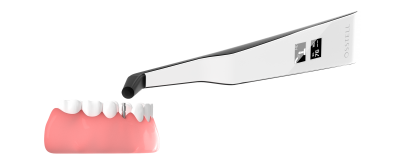
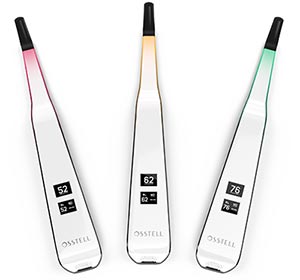
The Osstell Beacon helps you to objectively and non-invasively determine implant stability in a matter of seconds. It uses proprietary and evidence based RFA (Resonance Frequency Analysis) technology, based on more than 1000 scientific studies.
- Determine implant stability
- Optimal ease of use and intuitive ISQ measurements
- Optimal transportability
- Good to use as a complement to the more comprehensive Osstell IDx
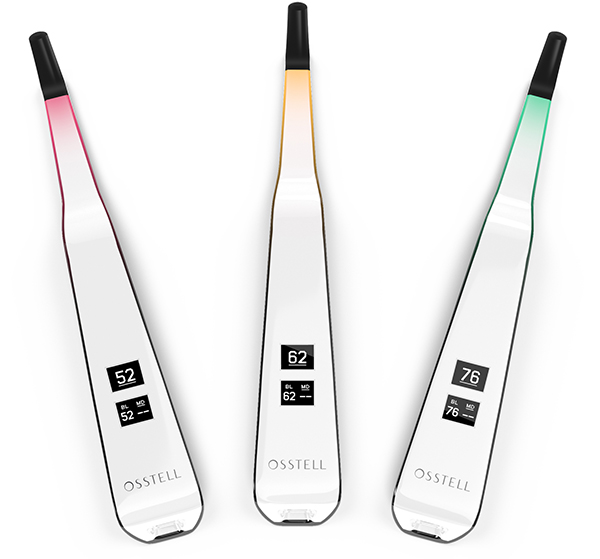
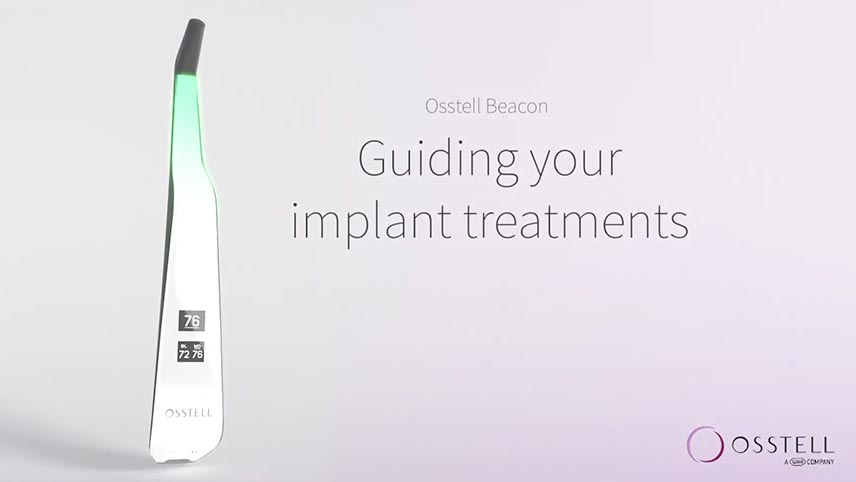
components
 Beacon Instrument
The Osstell Beacon helps you to objectively and non-invasively determine implant stability in a matter of seconds. It uses proprietary and evidence based RFA (Resonance Frequency Analysis) technology, based on more than 1000 scientific studies.
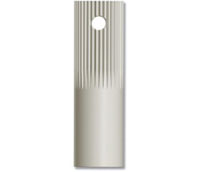
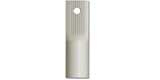 Smart Peg Mount
The autoclavable SmartPeg Mount is used to carry and connect the SmartPeg to the implant or abutment. One SmartPeg mount comes with each IDx kit. SmartPeg mounts are sold seperatly in packs of 5.
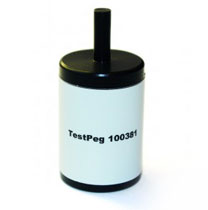
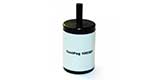 TestPeg
The TestPeg can be used to practice measurements and test an Osstell instrument. Note, the device is not for calibrating, only a guide to check the instruments measure function.
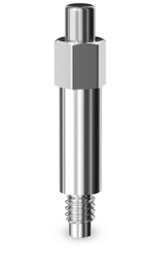
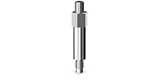 SmartPeg*
The SmartPeg is attached to the implant or abutment when a measurement is made. It is easy to mount and requires minimal space thanks to its small size. The SmartPegs are single-use and delivered sterile in boxes of 5.
SmartPegs are custom made to fit each implant system perfectly and are produced in over 50 different types. Please note that the selection of SmartPegs is updated 2 to 3 times per year.
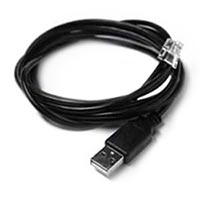
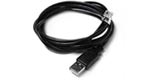 USB Cable
The Osstell Beacon is delivered from factory in a "transport" mode,
where the built-in motion sensor is deactivated.
To de-activate the transport mode and start charging, connect the
small USB connector of the Osstell USB cable to wide end of the
instrument. Connect the large USB connector to a standard USB
type A outlet of a PC, laptop or charger.
The Osstell Beacon will start-up and enter charging mode. Charge
the Osstell Beacon for at least 3 hours or until the Osstell Beacon
indicates full charge. Remove the Osstell USB cable.
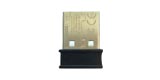 Osstell Key
Each Osstell Beacon comes with a USB Key.

literature
Remove Accordion Item?
Remove Accordion Item?
Remove Accordion Item?
Remove Accordion Item?
Remove Accordion Item?
*SmartPegs are not included in the kit and are sold separately.
Not available in all countries.
Remove Accordion Item?
Remove Accordion Item?
Saving Changes...
Please wait while we update your accordion order.
Reorder Items
How to Reorder
- • Drag items by their ⋮⋮ handle to reorder
- • Move items between different accordion sections
- • Drop into empty areas to create new groupings
-
⋮⋮documents
-
⋮⋮Osstell Beacon Brochure
-
⋮⋮Osstell ISQ scale
-
⋮⋮Osstell SmartPeg Reference Guide available at www.osstell.com
-
⋮⋮Tapered HD surgical system catalog
-
-
⋮⋮references & footnotes
-
⋮⋮
*SmartPegs are not included in the kit and are sold separately.
Not available in all countries.
-
Create New Container
Are you sure you want to create a new CMS container at ?
Select Partial Type
Choose the type of partial you want to add to this container:
Loading partial types...
Failed to load partial types. Please try again.