


SmartShape® Healers

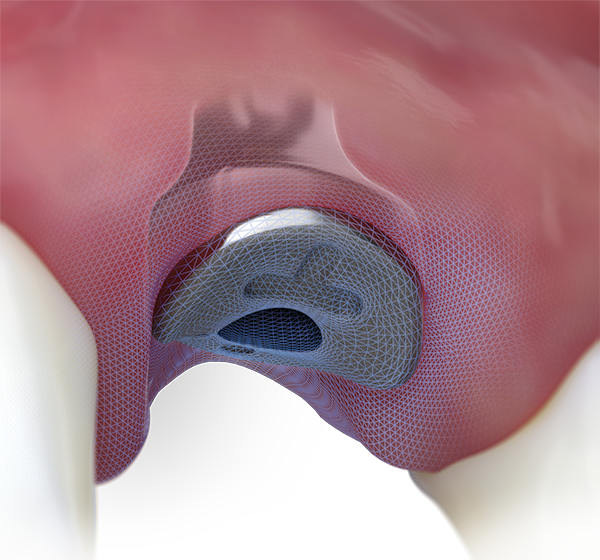


Profiles


 SmartShape Healer workflow

1. Place
Place SmartShape Healer. Leave 0.5mm of abutment above the tissue for impressing.

2. Impress
Take an impression of the abutment, using a digital scanner or traditional closed-tray workflow.

3. Design
Design custom final matching the SmartShape anatomical profile. Libraries and design files are available through VulcanDental.com.

4. Deliver
Deliver the final restoration with an emergence that directly matches the soft tissue.
 regular height SmartShape Healers


 tall height SmartShape Healers


Additional information
Not available in all countries.